
For Claude Code & Codex, on your Mac
Your AI limits, at a glance.
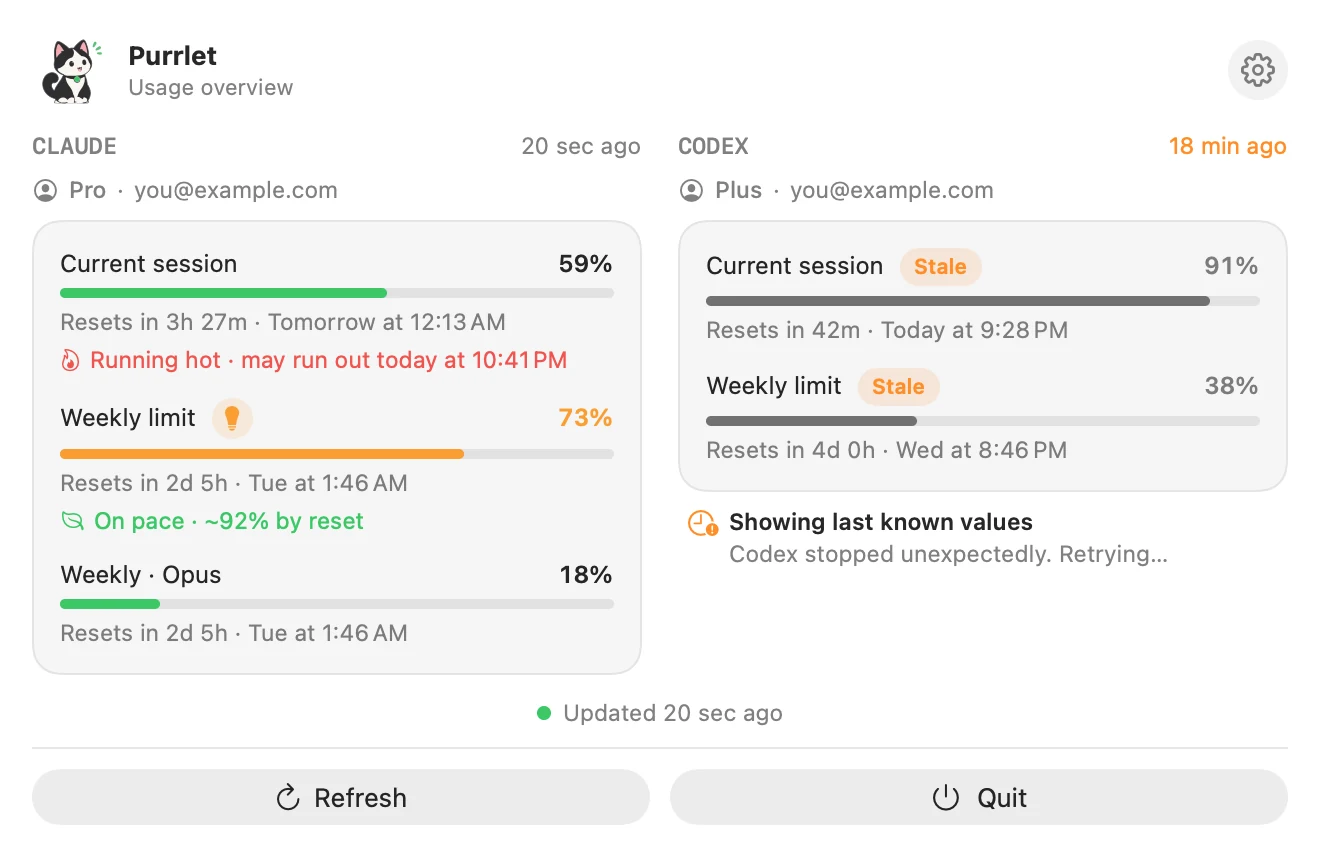
Purrlet sits in your menu bar and shows how much of your Claude and Codex limits you've used, how fast you're going, and when they reset. No account needed.
One-time purchase · macOS 14 or later
Developed by Daniel Nebreja
Try it live
Where it sits
Language
Bar colors · Classic
The tour
See it in 50 seconds.
What it does
Every limit, one click.
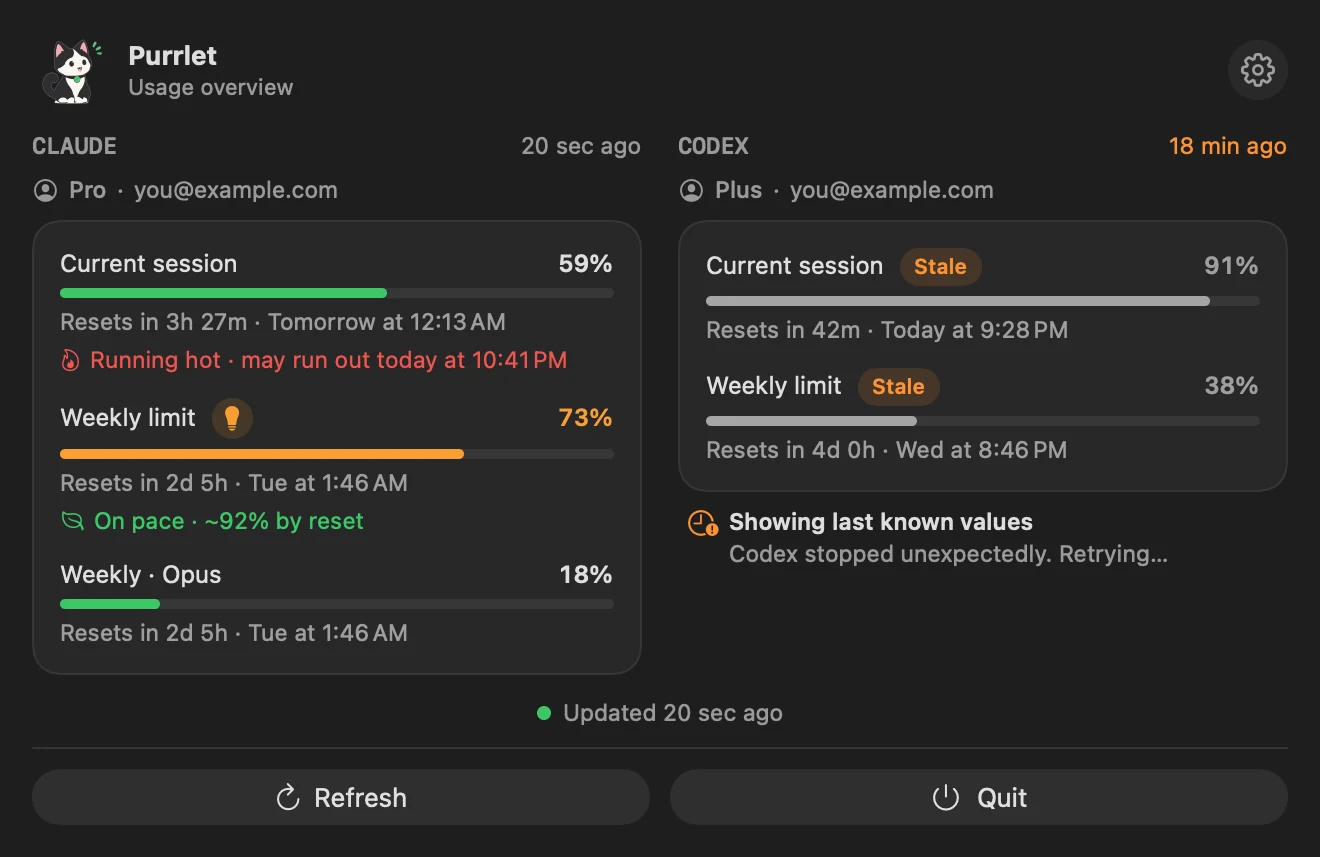
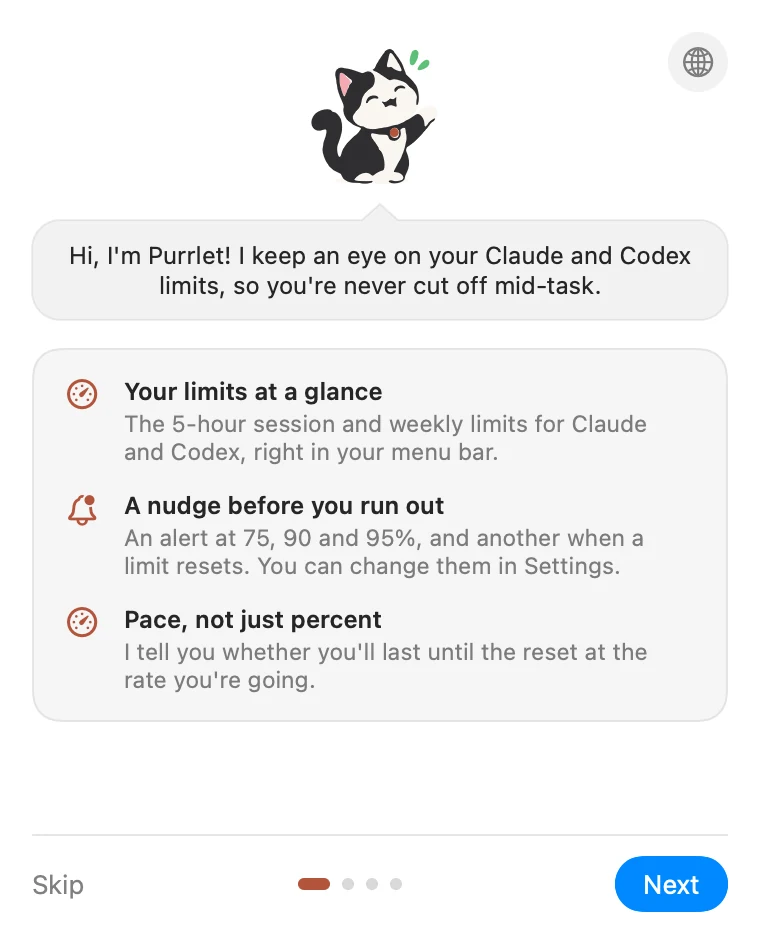
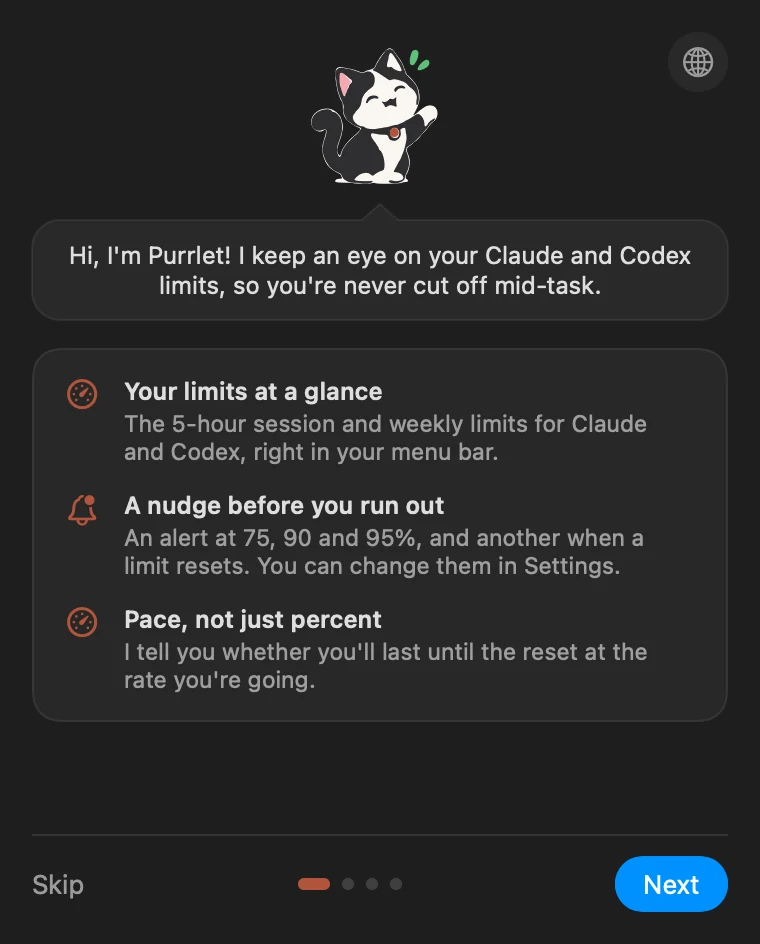
The 5-hour session and the weekly limit for Claude and Codex, side by side.
Pace, not just percent
It tells you if you'll last until the reset.
A nudge before you run out
Alerts at 75, 90 and 95%, and when a limit resets.
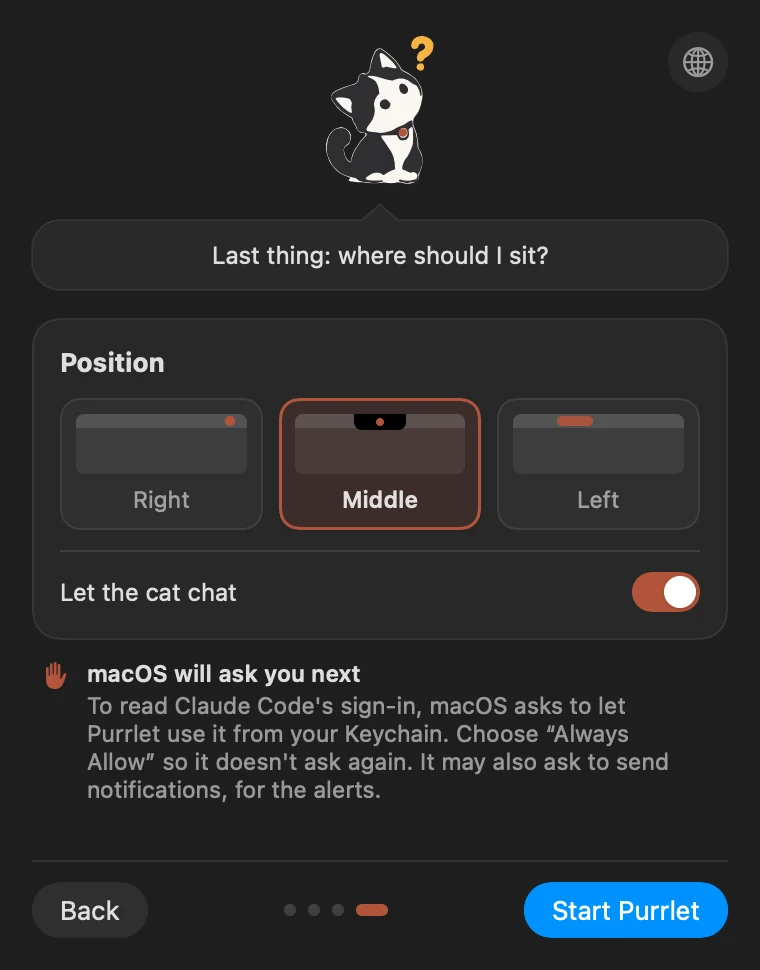
Sits where you like
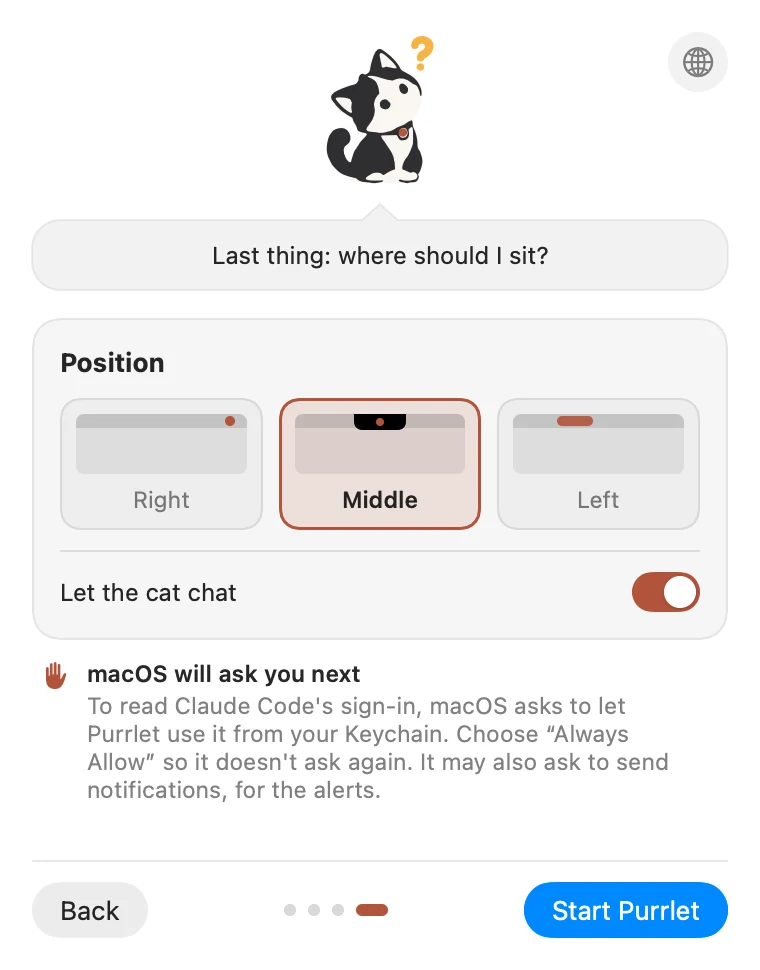
In the menu bar, like the notch, or on the left.
Private by design
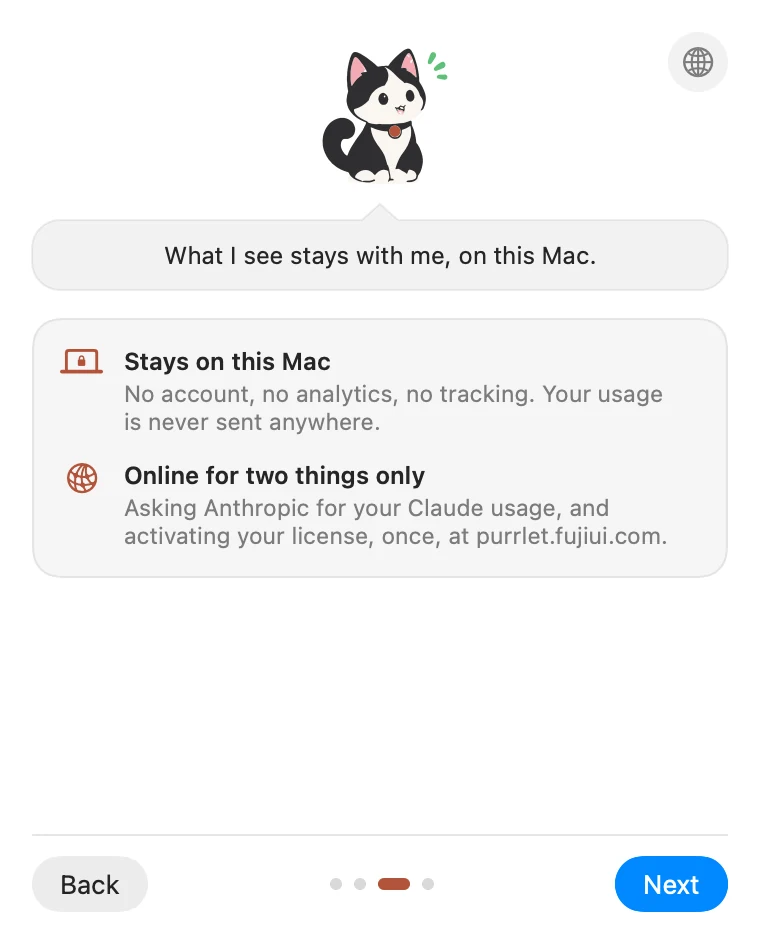
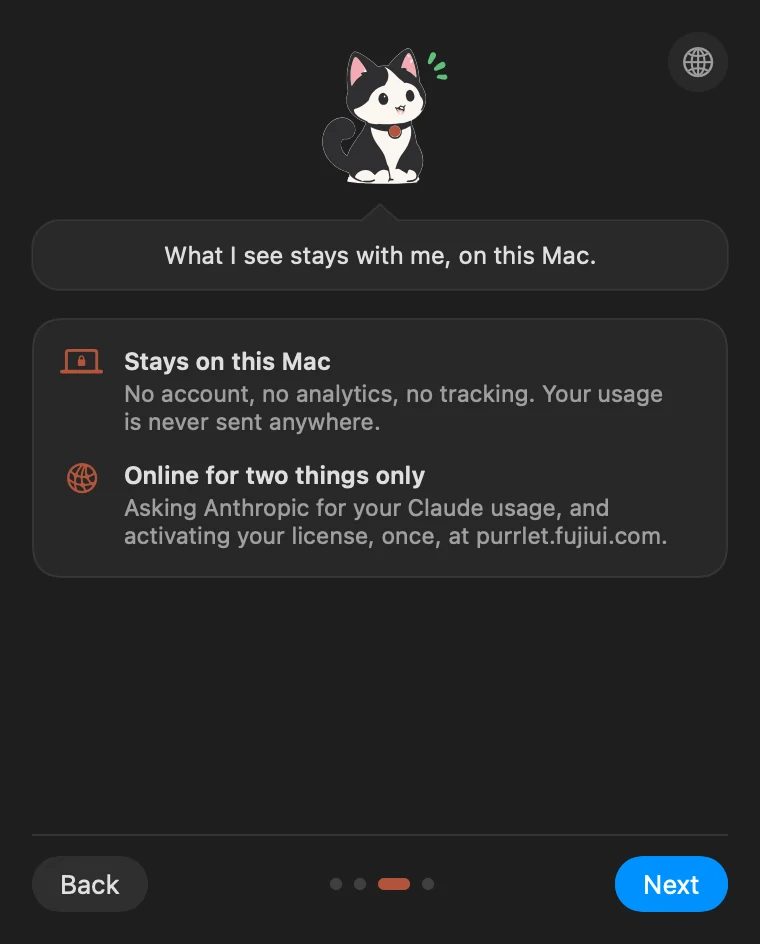
No account, no analytics. Your usage stays on your Mac.
Getting started
Up and running in a minute.
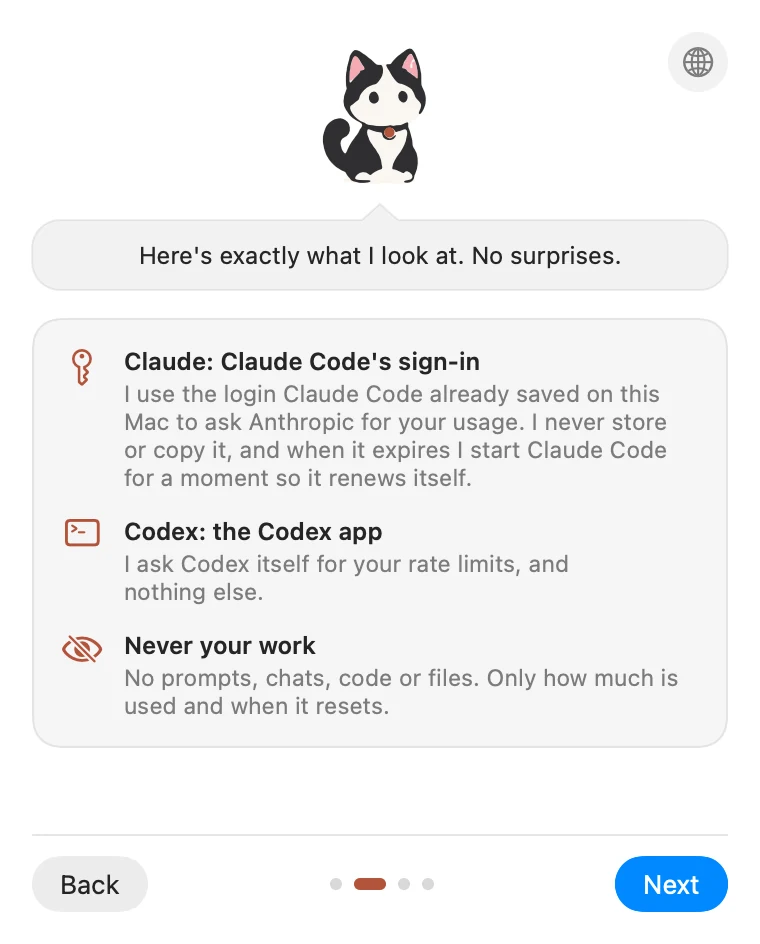
No account, no API keys. It uses the Claude Code and Codex you're already signed in to.
Buy it once
Step 1Checkout runs through Dodo Payments, in your currency, with tax included. Your receipt email links to your license key.
Download and open
Step 2Drag Purrlet to Applications and open it. Look for the cat in your menu bar: there's no Dock icon.
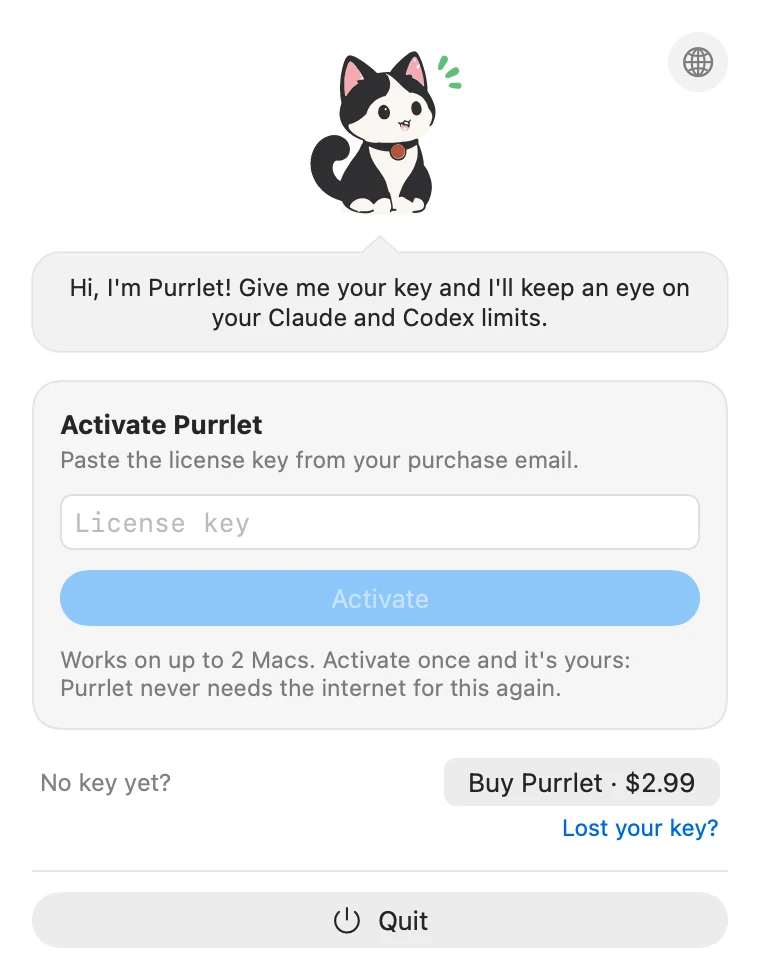
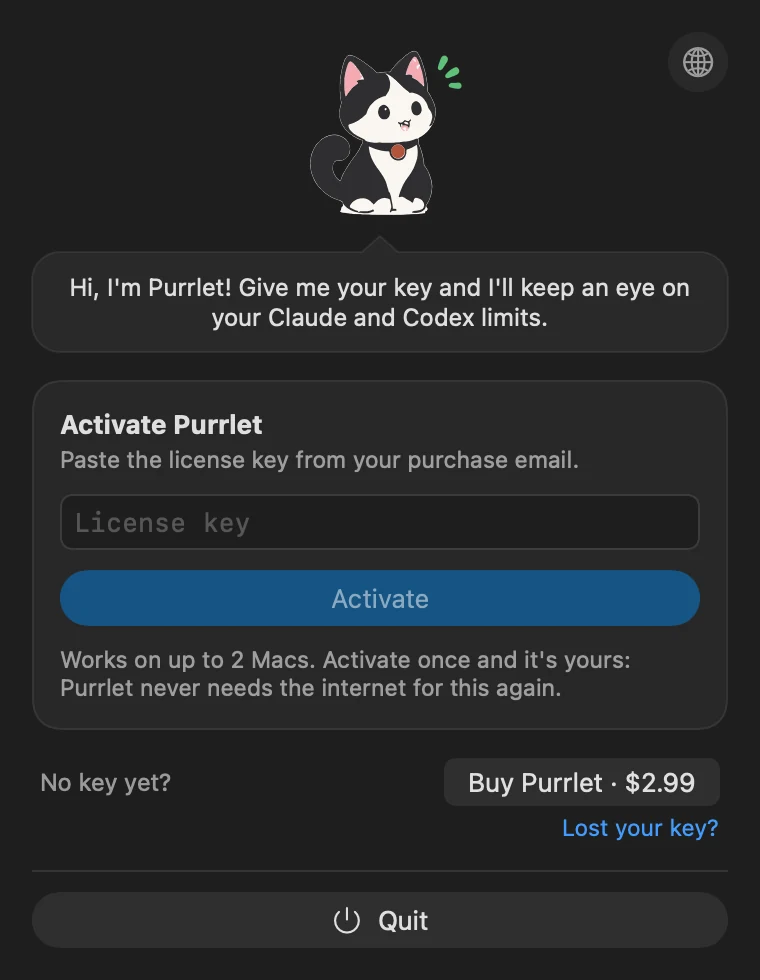
Paste your key, once
Step 3It's yours on up to 2 Macs, and it never needs the internet for its license again.
Meet the cat
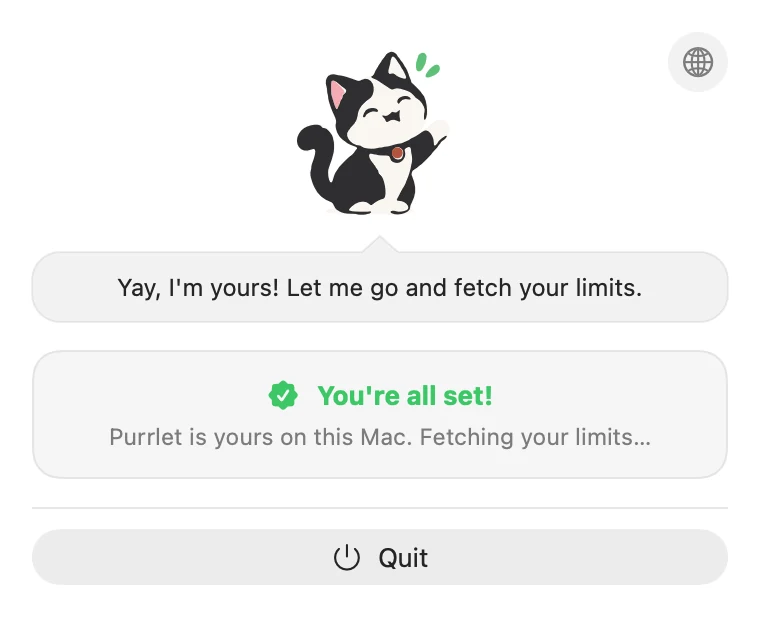
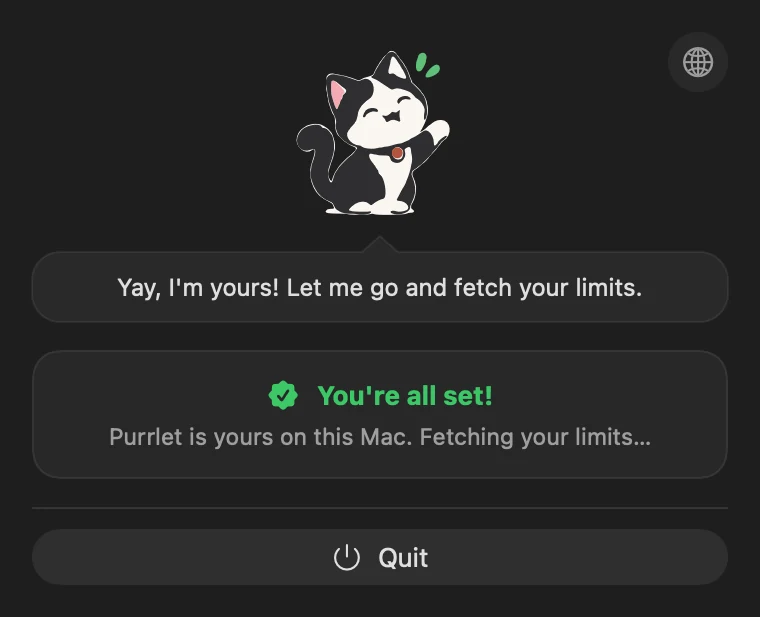
Step 4A short welcome shows what Purrlet reads, then asks where it should sit. That's it.

$2.99, once.
In your currency at checkout, tax included.
- Claude and Codex, every limit
- Works on 2 Macs
- No subscription, works offline
Already bought? Download Purrlet · Lost your key?
FAQ
Questions, answered.
Something else? Write to purrlet@nocturnab.com.